
At Sababa Chiang Mai, we believe choosing your meal should be almost as enjoyable as eating it. That’s why we’re excited to introduce our new digital food menu — a simpler, more colorful way to explore our dishes, discover something new, and order from your own phone.
Whether you’re relaxing at a table in our restaurant or planning to pick up a meal on your way home, you can browse the same menu at sababacm.com/menu/.
See Our New Menu in Action
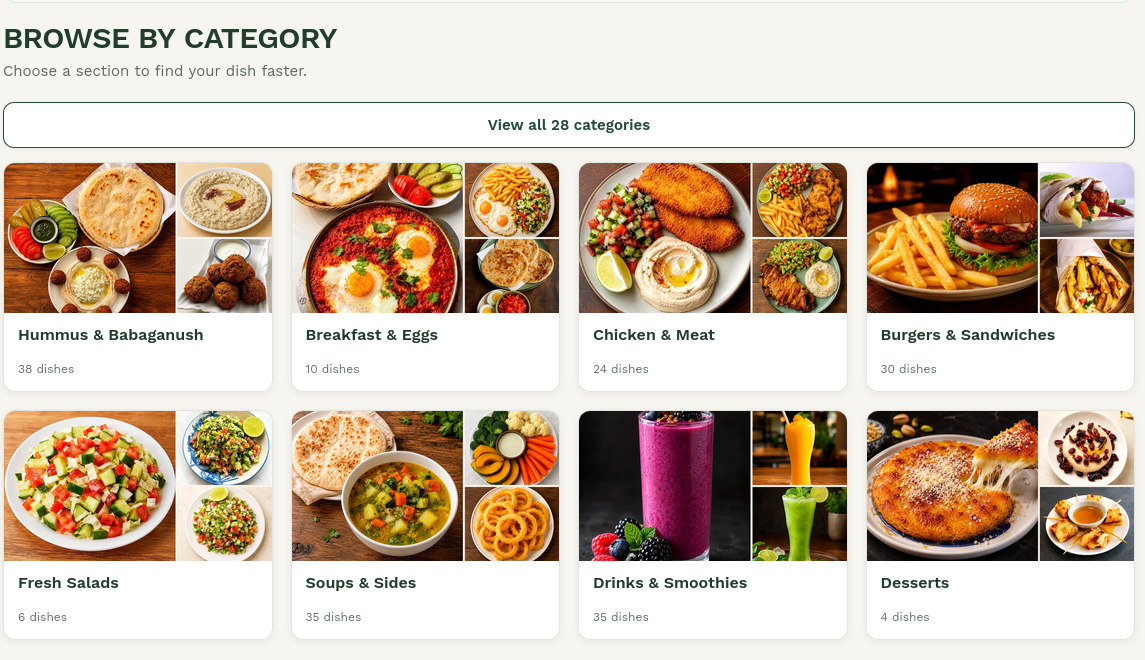
Start with the categories. Everything is arranged visually so you can go straight to your favorite food — from hummus and breakfast to burgers, salads, smoothies, and desserts.
A little taste of what you’ll find on the menu
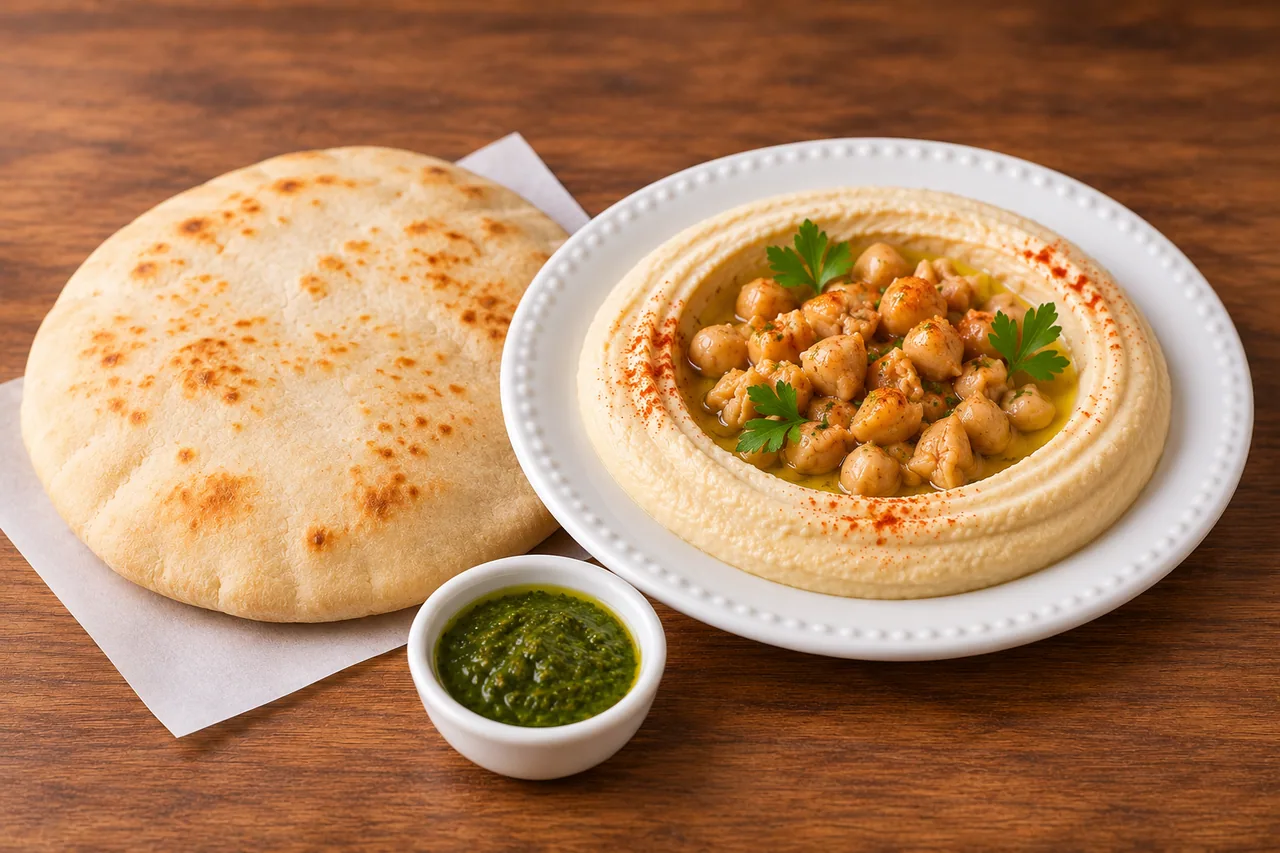
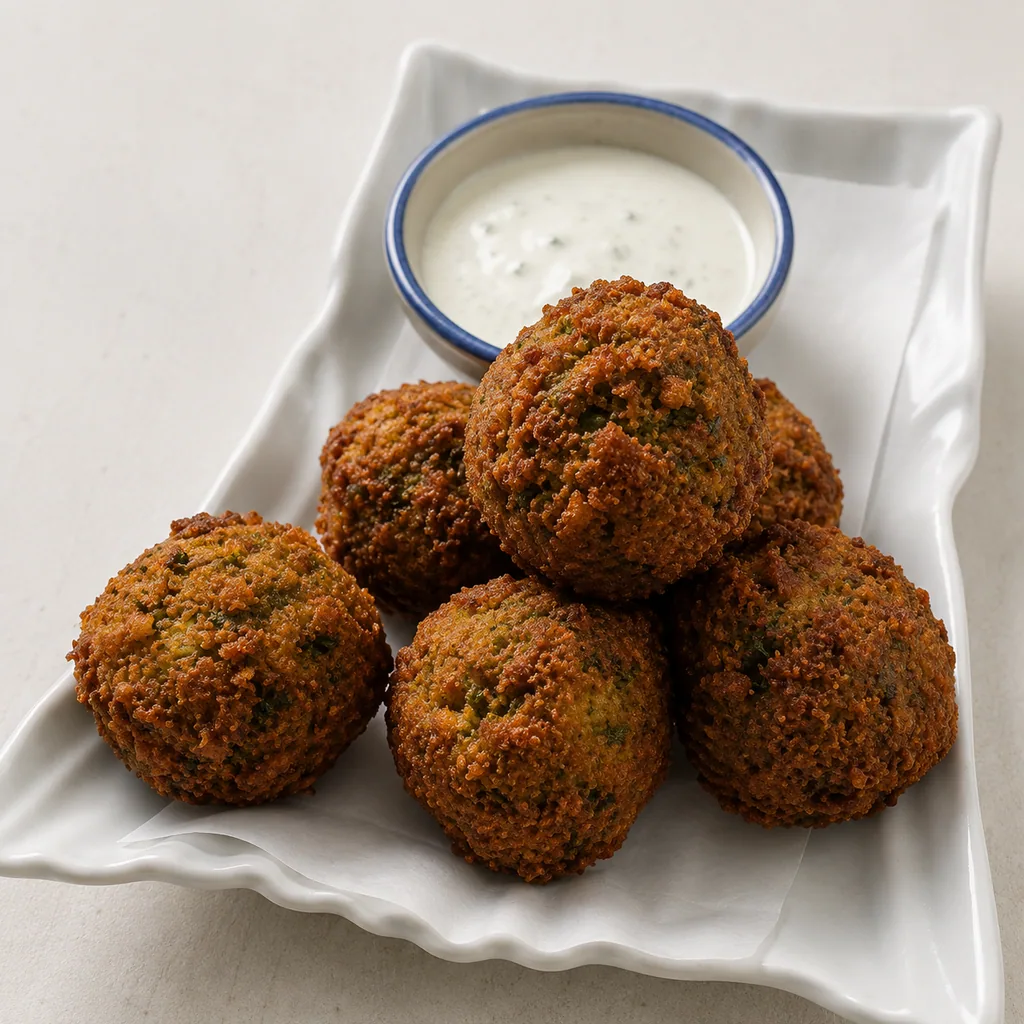
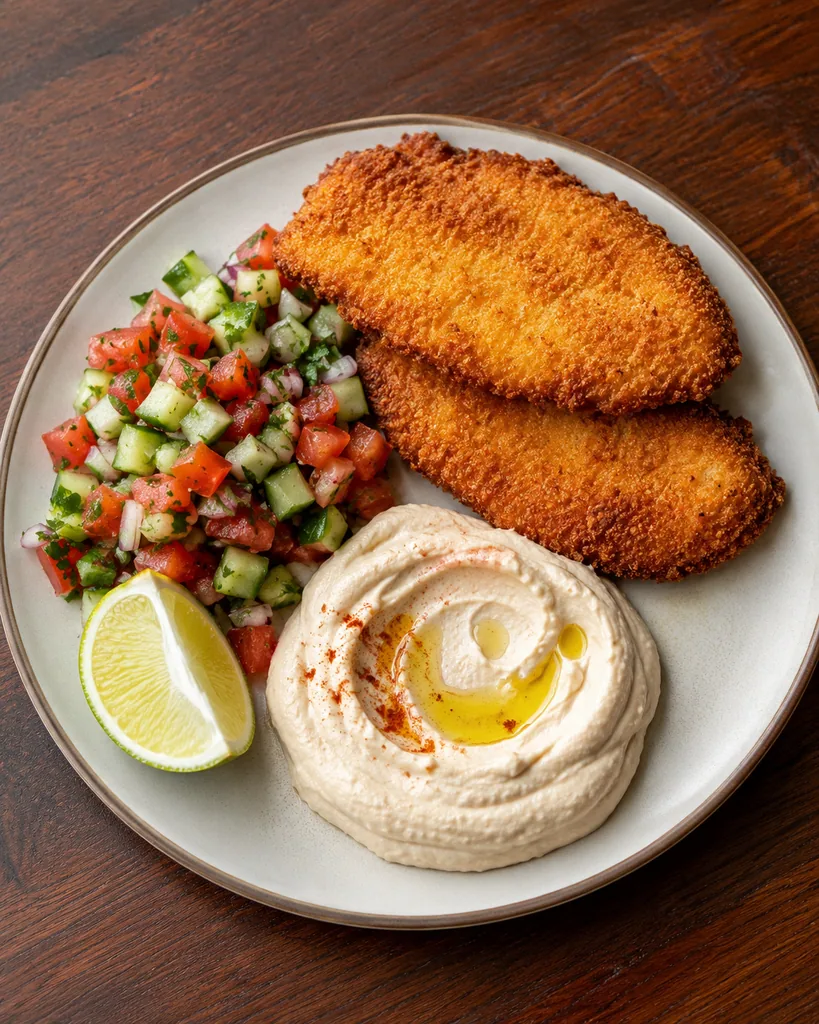
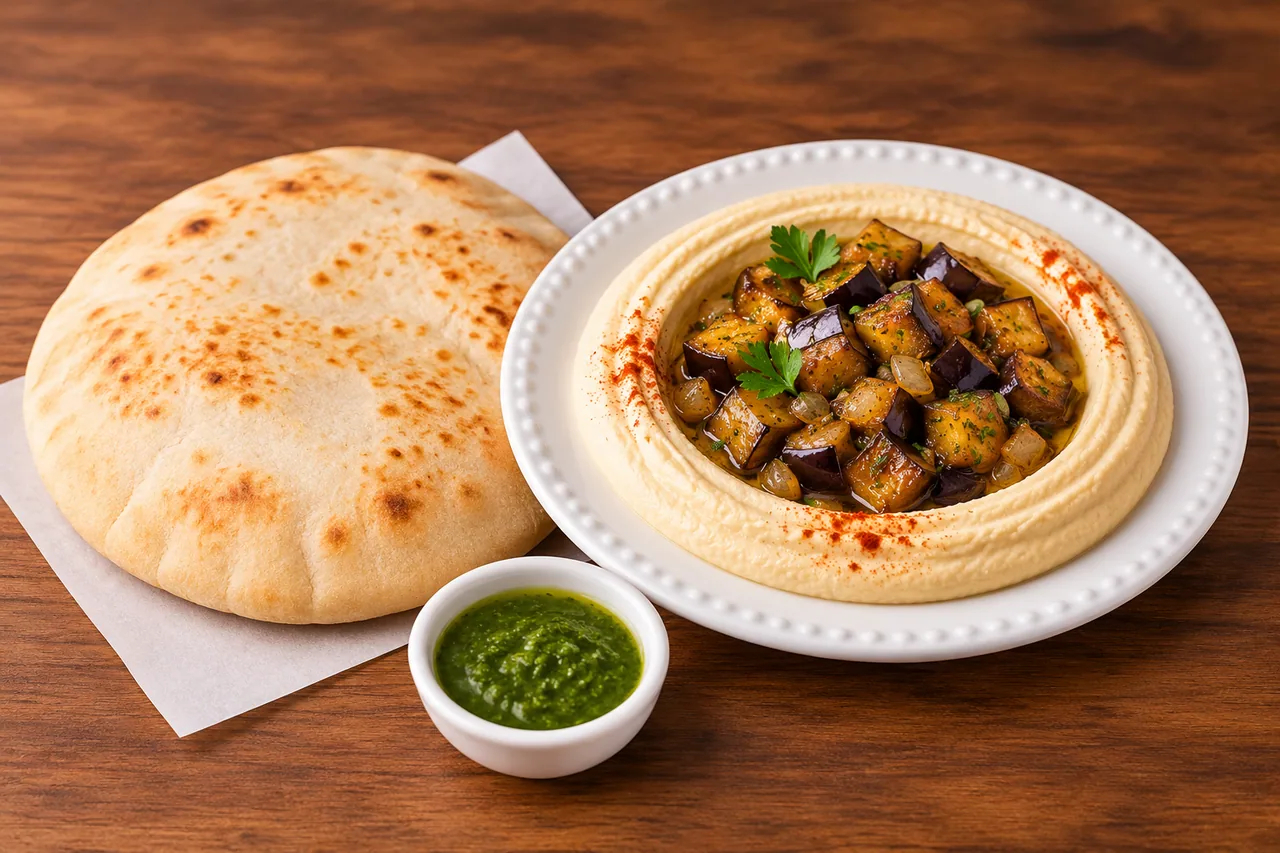
Find your favorites faster
Instead of scrolling through a long PDF or searching a paper menu, you can browse by food category and jump straight to the dishes that interest you. Discover our hummus and falafel sets, baba ganoush, breakfast and egg specialties, schnitzel, salads, sandwiches, burgers, desserts, smoothies, and drinks.
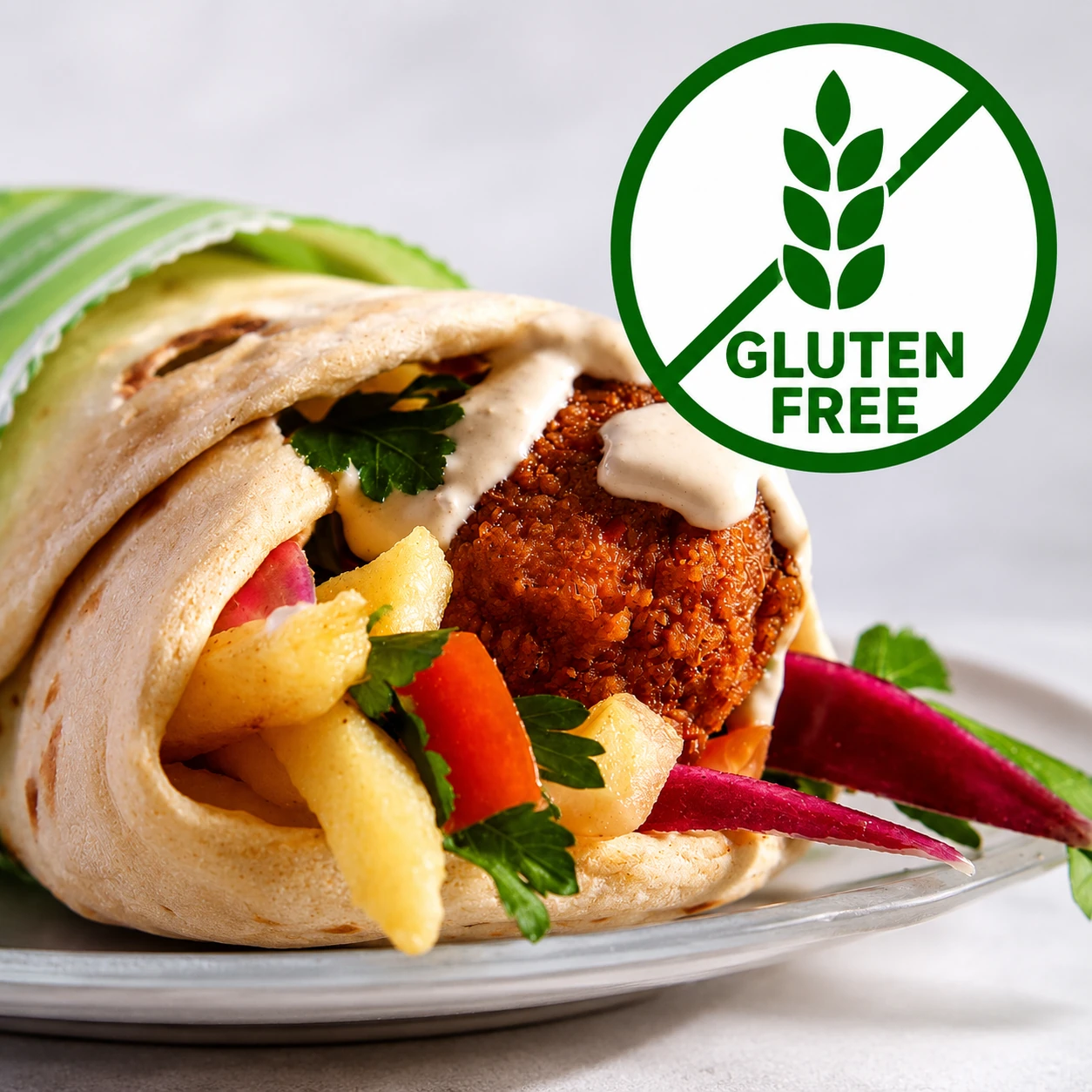
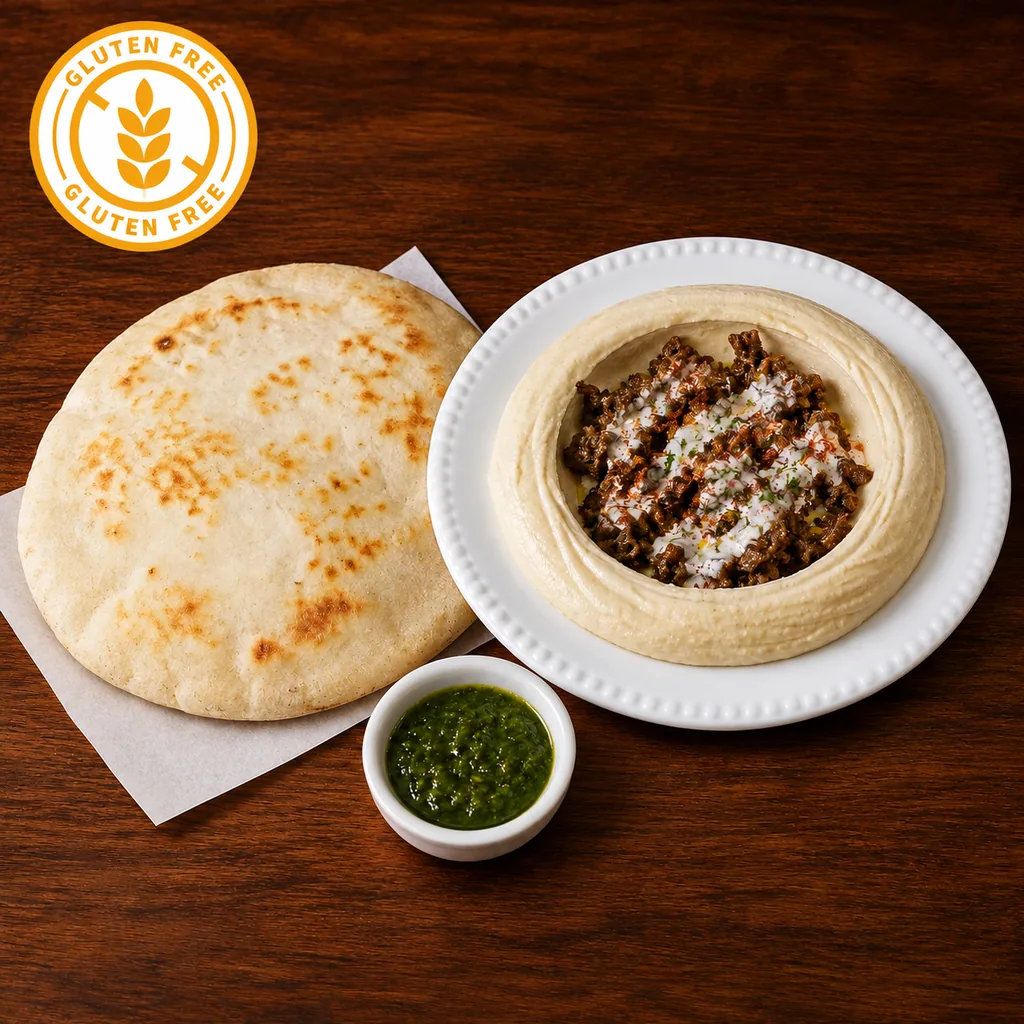
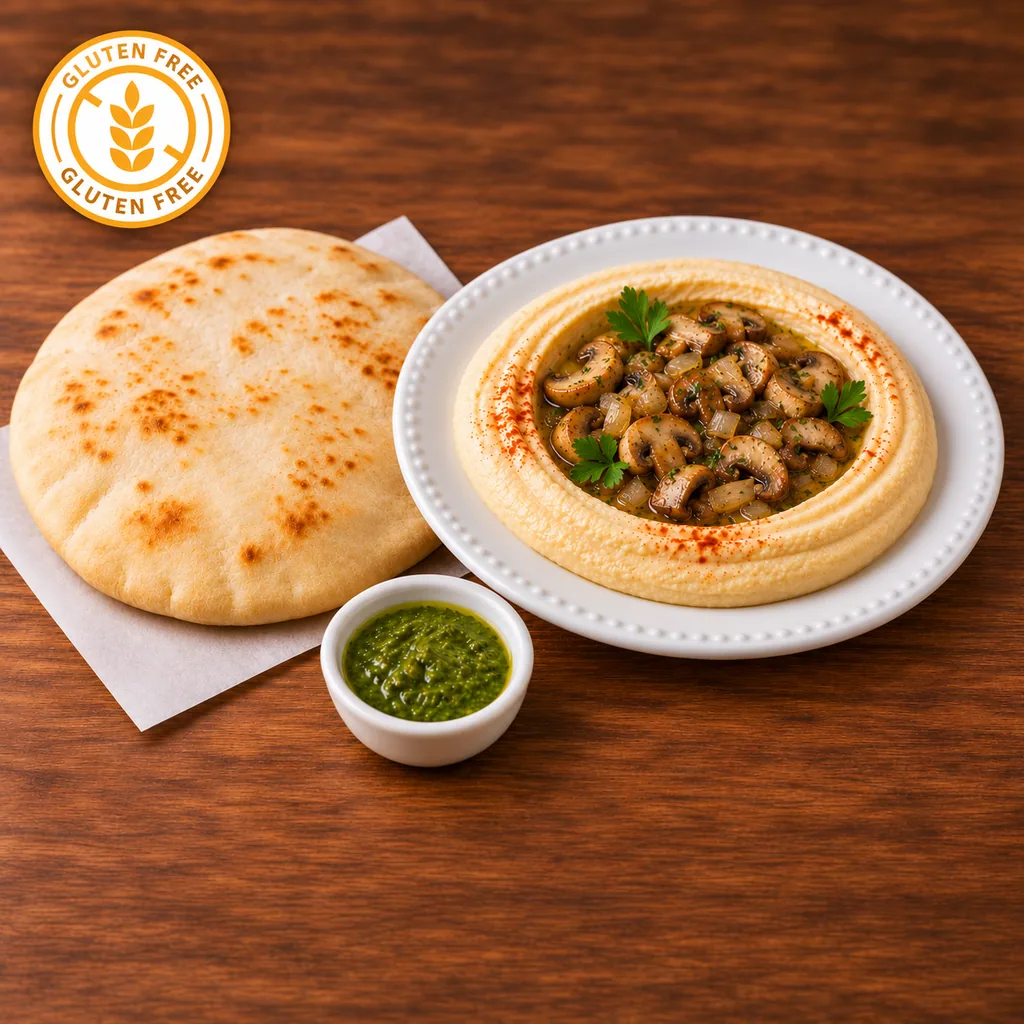
We also have dedicated gluten-free categories for dishes such as hummus and falafel sets, baba ganoush sets, crispy schnitzel, sandwiches, and burgers. You can go straight to these sections without having to search the entire menu.
Dietary filters to make exploring easier
Looking for something specific? Open our optional Dietary Filters and explore dishes using Gluten-Free, Vegan, Vegetarian, Dairy-Free, or Low-Carb Choices. You can also use the search box to find a dish by name or code.
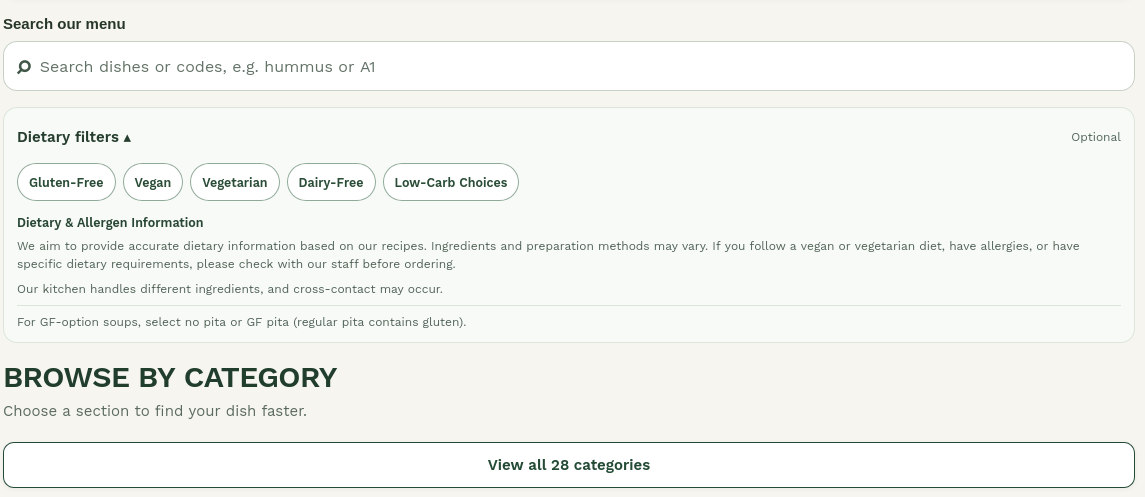
The filters are there to help you explore. If you have a food allergy, coeliac disease, or strict dietary requirements, please speak with our staff before ordering so we can check ingredients and preparation. “Low-Carb Choices” are suggestions, not calculated carbohydrate counts.
See the food, not just the name
One of our favorite improvements is the photography. You can see clear, larger pictures of our dishes, zoom in on the food, and read more helpful descriptions before choosing. It’s much easier to imagine your meal than with a small printed photo — or no photo at all!
As you order, you can also add comments or special requests for individual dishes, so our team can see what you’d like us to know.
And yes, there are photos for gluten-free choices too:
Choose the language that feels comfortable
Our menu offers dish names and descriptions in English, Thai, Chinese, Hebrew, and Russian. It’s a helpful way to explore our Middle Eastern favorites, whether you’re from Chiang Mai or visiting from abroad. Some translations are automated, and product options and checkout are currently in English.
Order from your table — or ahead for pickup
Sitting down at Sababa? Open the menu on your phone, explore at your own pace, and place your order from your table. Prefer takeaway? You can also browse from home and order for pickup. Our team will check your order and take it from there.
How to Order in Three Easy Steps
Scan the QR code at your table or visit our digital menu from home.
Choose a category, search for a dish, use a dietary filter, or switch language.
Select dishes and add any notes. Our team checks your table or pickup request.
Better for our kitchen and our guests
For our team, there’s another big benefit: more flexibility. Adding a new dish, improving a description, or updating the menu shouldn’t mean redesigning and reprinting a whole stack of paper menus. Now we can keep improving our selection and share new dishes with you more easily.
And we’re not finished yet. In the future, we hope to add an AI menu assistant to help you explore the options and put together a meal that suits your tastes. That’s still a plan — for now, we’re happy to have a more helpful menu in your hands.
Thank you for growing with us and helping Sababa keep getting better. We hope the new menu makes your next visit even easier — and more delicious. ❤️